Group trip collaboration lets separate households plan one adventure together — a cousins reunion, girls weekend, grandparents joining your vacation, or two families on the same Disney cruise. You share the trip plan; each family keeps its own packing and household tasks private.
Step 1 — Create the shared trip
As the trip organizer (Premium), tap New Trip and set up the reunion or joint vacation — name, dates, who from your household is going, and trip style. For a Disney cruise with another family, choose Cruise and complete Disney setup (see our Disney cruise guide).

Step 2 — Open sharing from Info
Open the trip and go to the Info tab. Scroll to the sharing section — Traveling with Friends or Family — and tap Share (or Invite Another Family if collaborators are already on the trip).

Step 3 — Pending invitations
After you send invites, each email appears on the trip’s Info tab with an Invited status until that household accepts. Tap Share again to invite more families, or Manage under sharing settings to update co-planners.

Step 4 — Invitees join the trip
On the invitee’s phone, a card appears on My Trips showing who invited them. Tap Join, select which household members are traveling (you are always included), and confirm with Join Trip. The shared trip is added to their list — separate from their personal trips.

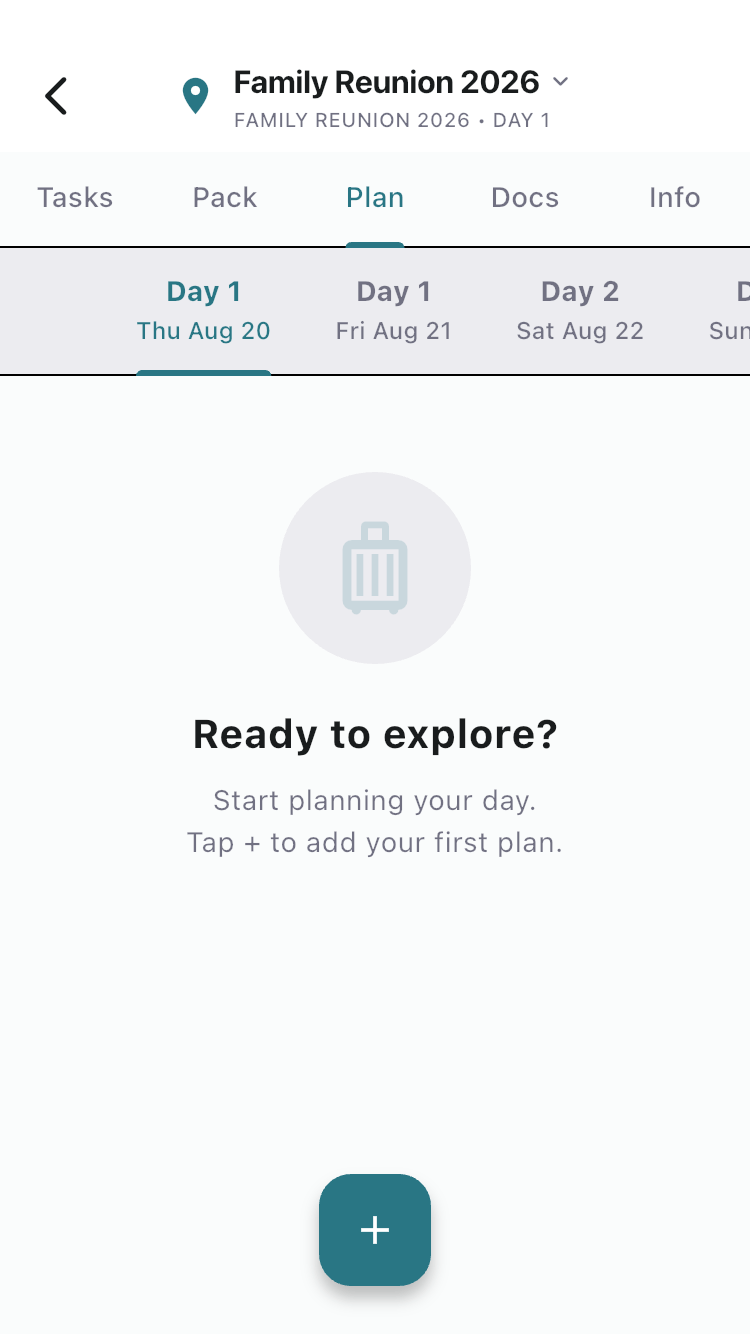
Step 5 — Co-plan tasks and itinerary
All participants see trip-scoped tasks and the shared Plan tab (Premium for structured itinerary). Add tasks like “Book pavilion rental,” “Confirm potluck dishes,” or “Reserve excursion” — everyone on the trip can contribute. Use trip-scoped itinerary for the reunion schedule or shared port days on a cruise.
Step 6 — Pack separately
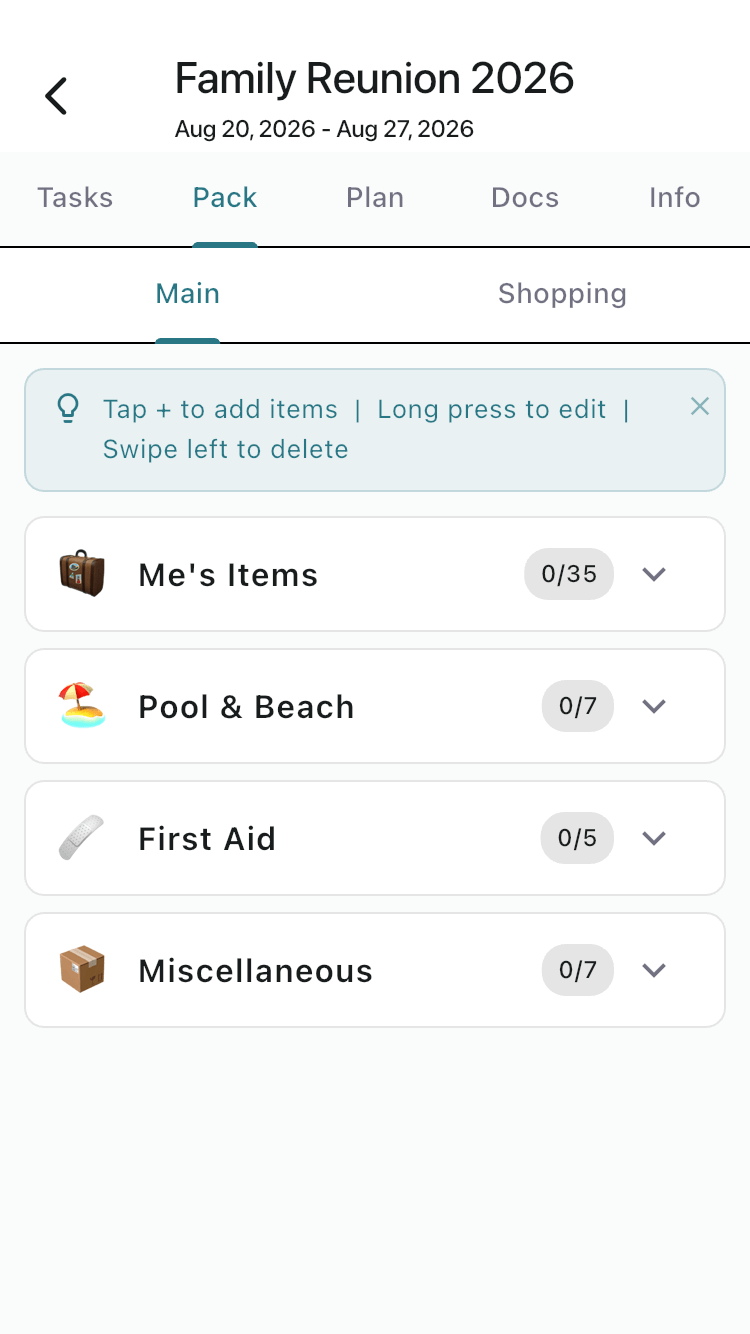
Each household’s Pack tab stays private. Your cousins do not see your kids’ swim diapers; you do not see their sunscreen shopping list. This is by design — you are sharing the plan, not the suitcases.
What’s shared vs. private
| Shared on the trip | Private per household |
|---|---|
| Trip details, dates, destination | Packing lists |
| Trip-scoped tasks | Household (general) tasks |
| Shared itinerary (trip scope) | Household itinerary |
| Collaborator list on Info tab | Documents (unless explicitly shared) |
Scenario examples
- Family reunion — one branch hosts; siblings and cousins join via email; shared schedule for meals and activities.
- Girls trip — friends with separate FamGo households; shared weekend itinerary; private packing.
- Multi-family cruise — two families in different staterooms; shared port-day plan; separate kids’ packing lists.
Frequently asked questions
Do invitees need Premium?
No. Only the trip owner needs Premium to send invites. Invitees can participate on Free.
Can I link my partner AND invite other families?
Yes. Your linked partner sees all household trips. You can also invite other households to this specific shared trip.
What if someone leaves the trip?
The trip disappears from their list. Their household packing was never shared, so nothing else changes for them.