A Travel Organizer App for Families
Keep your packing lists, prep tasks, and travel documents in one app on your phone.
Free to download. Works on iPhone and Android.
Trip details are hard to find when you need them
- Your hotel confirmation is in one email, your flight is in another, and the rental car is a screenshot.
- You’re standing in the check-in line and you can’t find the confirmation number.
- The airport signal is weak, so the email you need won’t open.
- You and your partner both pack sunscreen, and nobody packs the swim diapers.
FamGo keeps all of it in one place.
What FamGo does
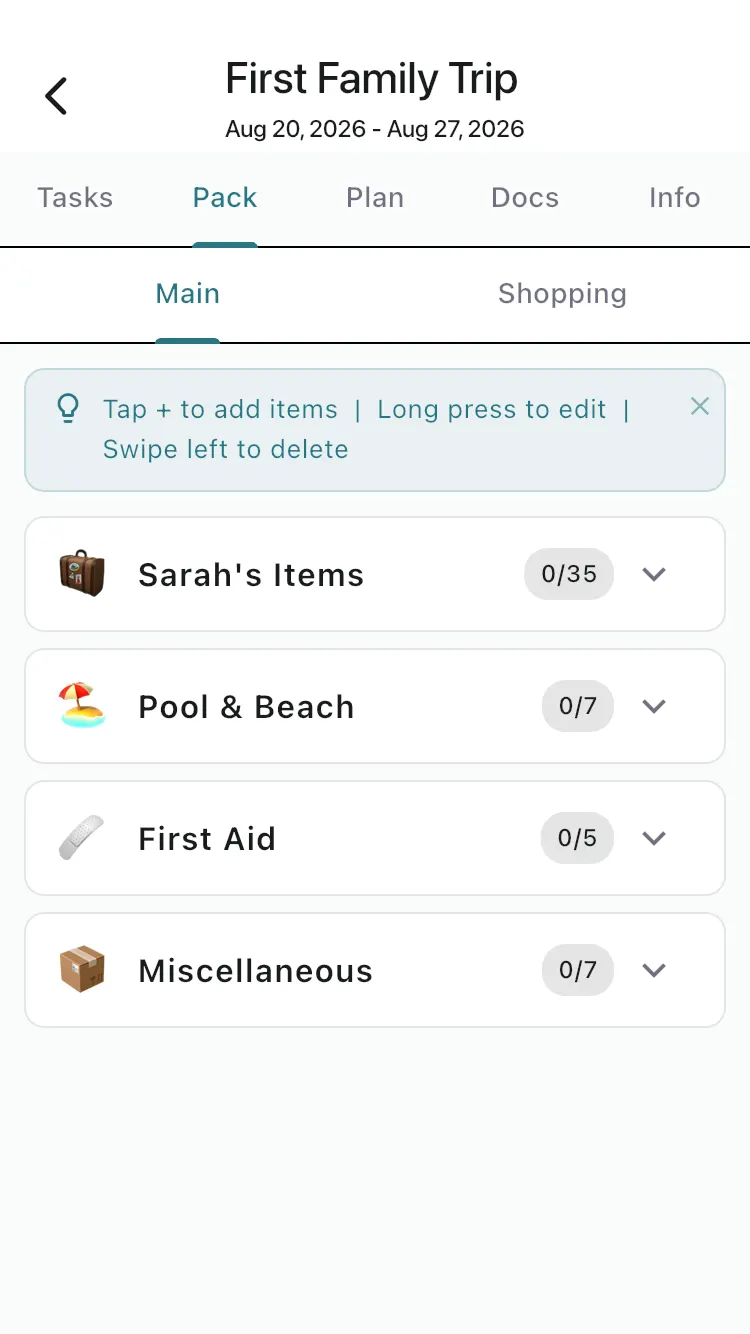
Packing lists for each traveler
FamGo builds a packing list from who’s coming, including their ages and your trip style.
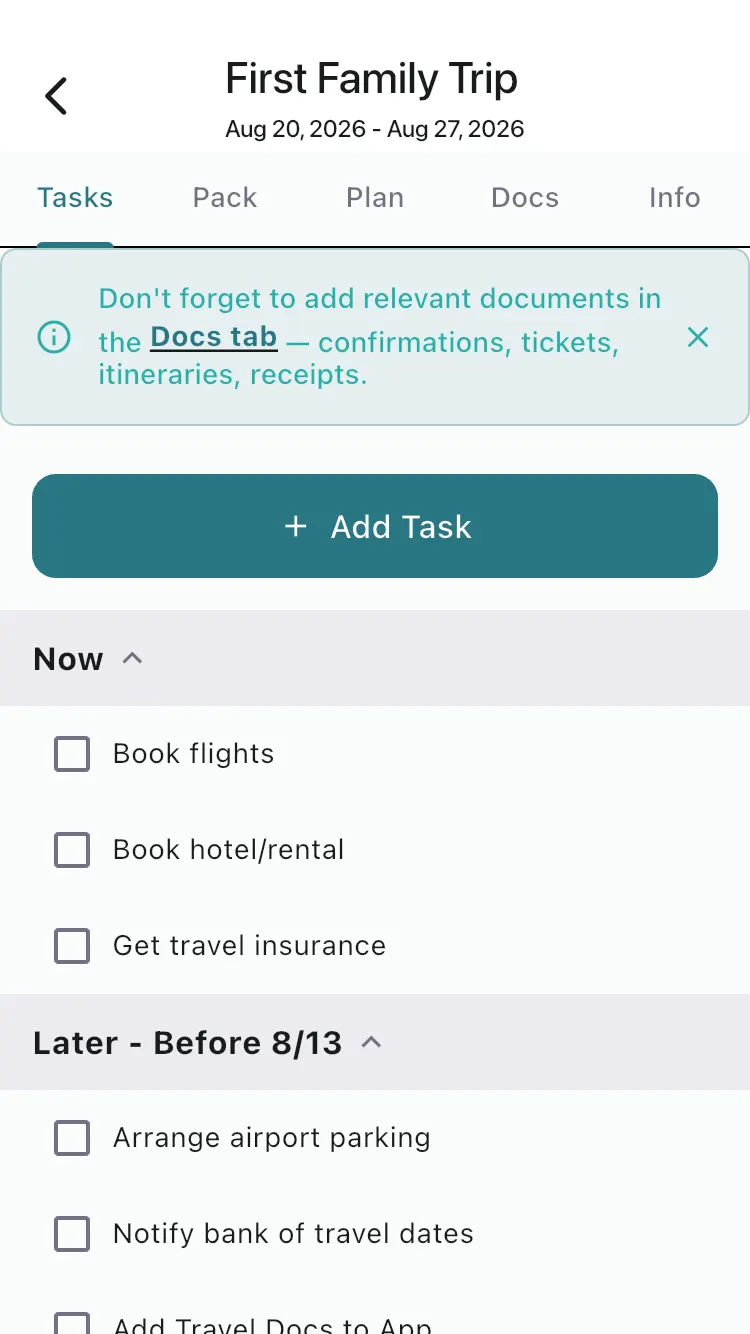
Prep tasks with due dates
Tasks are sorted by when they matter, and FamGo sends reminders about unfinished tasks before your trip.
Travel documents on your phone
Save boarding passes, hotel confirmations, and IDs on your device so you can open them without a signal.
A day-by-day Plan tab
Add flights, hotel check-ins, and plans to each day of your trip.
Family profiles
Save each family member’s name and age once, then use them on every trip.
How it works
Download FamGo
Get the app for iPhone or Android. It’s free to download.
Create your trip
Add your destination, dates, and who’s coming, including ages.
Check things off
Work through your prep tasks and packing list, and keep your documents in the app.
Want to see each screen first? Read how to plan your first trip in FamGo.
Common questions
Is FamGo free?
FamGo is free to download, and you can plan a trip with the free plan. The free plan includes one active trip at a time. Optional upgrades add more features.
Where is my trip information stored?
On your phone. Your packing lists, tasks, and documents are stored on your device, so everyday planning works without internet. Trip data leaves your phone only when you choose to share it with a partner or other travelers.
Can my partner help plan the trip?
Yes. Partner sharing is an optional upgrade that links your two phones, and one subscription covers both of you. Read how planning together works.
Which phones does FamGo work on?
FamGo works on iPhone (iOS 15 or newer) and on Android phones. You can download it from the App Store or Google Play.
Also helpful: All features · Plan your first trip · Plan together · Traveling with a baby or toddler · The mental load of family travel
Get your next family trip organized
Download FamGo, add your trip, and see your packing list and prep tasks today.